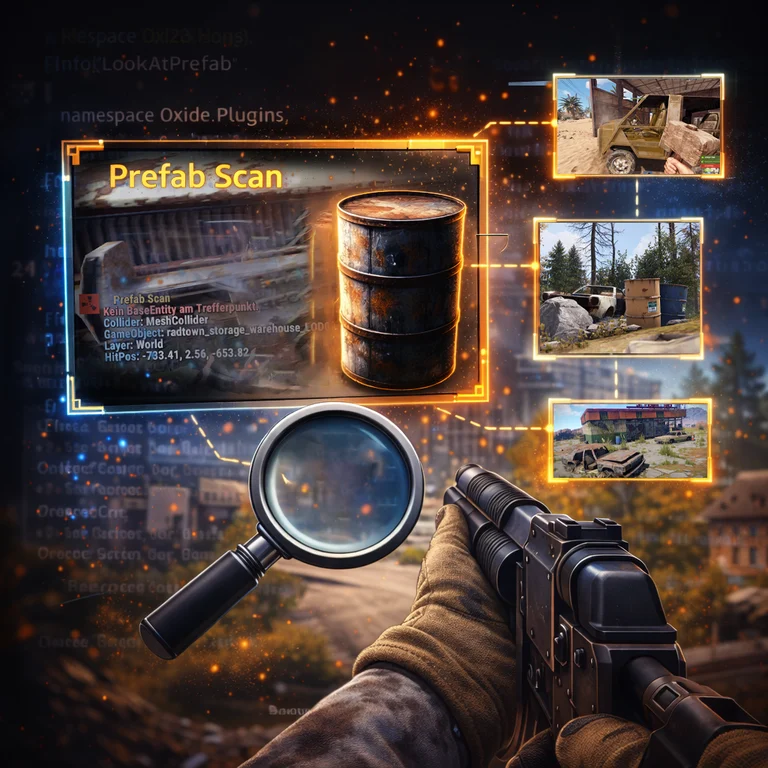
LookAtPrefab
LookAtPrefab
Free
LookAtPrefab
Project details
Project: LookAtPrefab
dev language: c# oxide
Plugin language: en (Output text is mostly German)
Author: @RustFlash
Description
LookAtPrefab shows prefab / asset information for the entity you are currently looking at.
Output is sent to chat and (optionally) to the player F1 console and/or the server console/RCON.
Features
Prefab scan on demand
- Raycast from the player’s view (head ray)
- Max range configurable (default 25m)
- Works on BaseEntity hits and can optionally show Collider-only info if no entity is found
Entity details (when an entity is hit)
- Type (+ player name if the target is a player)
ShortPrefabName- Full
PrefabName (optional)
- GameObject name
- OwnerID (optional)
- NetID (optional)
- Position (optional)
- SkinID (best-effort)
Collider-only details (optional)
- Collider type
- GameObject name
- Layer name
- Hit position
Trigger handling
- Optionally ignores triggers (default true)
Console output
- Optional output to:
- Player F1 console (client)
- Server console/RCON
Commands
/prefab
Scans what you’re looking at and prints the results.
Permissions
lookatprefab.use
Required for non-admins. Admins can always use the command.
Config
LookAtPrefab creates a config on first run and supports:
- MaxDistance (float) — default:
25.0
- ShowFullPrefabPath (bool) — default:
true
- ShowPosition (bool) — default:
true
- ShowOwner (bool) — default:
true
- ShowNetworkId (bool) — default:
false
- ShowColliderIfNoEntity (bool) — default:
true
- IgnoreTriggers (bool) — default:
true
- OutputToPlayerConsole (bool) — default:
true
- OutputToServerConsole (bool) — default:
true
load, run, enjoy 💝