Project details
Project: ProtectiveVest
dev language: c# oxide
Plugin language: en (incl. de, fr, es, it, tr, ru, uk)
Author: @RustFlash
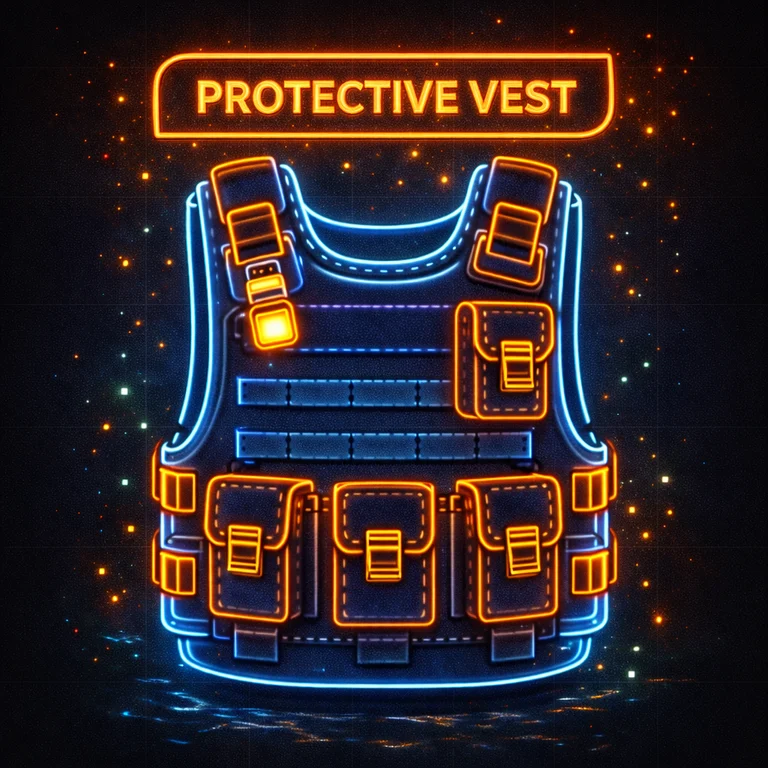
ProtectiveVest adds consumable vests that players activate from their hotbar via a hold-to-equip action.
After a successful equip, 1 vest is consumed and the player gains temporary bonus max HP (and is healed up to that new max).
The effect lasts until death. Optionally, you can configure the vest to be consumed/removed once health drops below a threshold, so players can activate another vest again.
protectivevest.use — Allows using protective vests.Equip will cancel if the player:
The plugin defines multiple vest entries by ItemShortName + SkinID.
{
  "UI": {
    "Style": "HorizontalBar",
    "Enabled": true,
    "UpdateIntervalSeconds": 0.10,
    "BackgroundAlpha": 0.65,
    "BarAlpha": 0.90
  },
  "Vests": [
    {
      "Name": "Aramid Armor Vest",
      "ItemShortName": "wood.armor.jacket",
      "SkinID": 3643174653,
      "BonusHealth": 50.0,
      "EquipDurationSeconds": 5.0
    }
  ],
  "AutoResetBelowHealth": 100.0,
  "ActiveVestsCheckIntervalSeconds": 0.75
}
UI.Enabled
Enable/disable the equip progress UI (equip still works when disabled).
UI.Style
UI style name. Valid values are:
HorizontalBarCircularProgressMinimalCornerLargeCenterIf an invalid style is set, it falls back to HorizontalBar.
UI.UpdateIntervalSeconds
How often the UI updates while holding USE. (Minimum is enforced internally.)
UI.BackgroundAlpha / UI.BarAlpha
Opacity values (0–1).
UI.Style |
Placement (rough) | What it shows |
|---|---|---|
HorizontalBar |
Bottom-center | Label + filling progress bar |
CircularProgress |
Center | Percentage + circular segments |
MinimalCorner |
Top-right | Compact label + thin bar |
LargeCenter |
Center | Larger panel, label + bar + percent |
If you want to reference or debug the CUI elements, the plugin uses these fixed IDs:
ProtectiveVest.UIProtectiveVest.UI.BarEach vest entry supports:
Name — Display name in messages/UIItemShortName — Rust item shortnameSkinID — Skin ID to identify a specific skinned itemBonusHealth — Bonus max HP granted on activationEquipDurationSeconds — Time (seconds) required to hold USE to equipNotes:
AutoResetBelowHealth
If <= 0, this feature is disabled.
If > 0, the plugin periodically checks active vest users and removes the active vest when their HP drops below the threshold.
ActiveVestsCheckIntervalSeconds
How often the plugin checks active vests (only used if AutoResetBelowHealth > 0).
Built-in translations are included for:
en (default)defresittrruukConfigured vest items are blocked from being worn. They’re meant to be consumed from the hotbar.
No. Only one vest can be active at a time.
AutoResetBelowHealth is enabled and HP drops below the configured threshold.load, run, enjoy 💝